AI
Say what you want. Get something you can use.
Describe a template and get a finished layout with its fields already marked. Describe a picture and get an illustration, avatar or icon. Describe a change and watch the design update.



Three ways to put the AI to work.
Templates
Describe it, get a design
“A speaker card for a design meetup, with a photo spot, name and talk title.” You get a balanced layout in the size you chose, every changing text already set up as a field. The AI checks its own result before handing it over, and it's yours to edit.
Edits
Change it by asking
Select something, or nothing, and say what should change: colours, sizes, positions, new fields. The edit lands as a single step, so one undo puts everything back.
Drawings
Illustrations, avatars and icons
Describe a scene, a person or a symbol. Use the drawing as a crisp image, or as editable shapes you can recolour in the editor.
Precise mode
When it has to be exact.
Ask for 24 rays and you get 24 rays. Precise mode builds the picture step by step, which suits badges, seals, patterns, charts and anything with repeating parts. Every precise drawing can be reproduced exactly later, so you can come back and make variations.
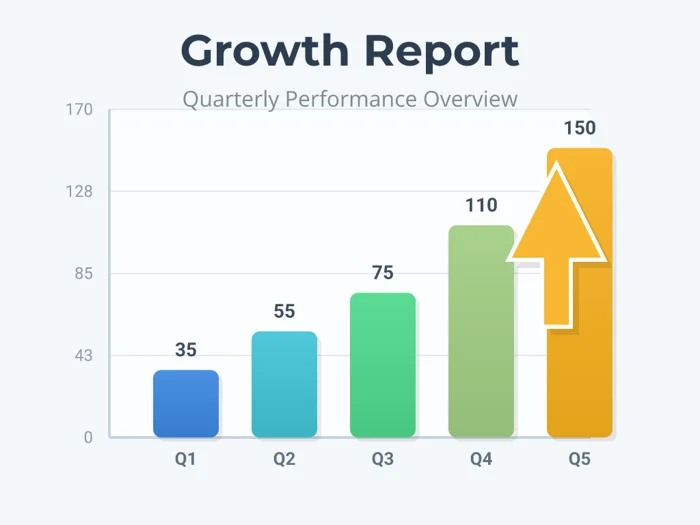
Good to know.
You stay in charge
Everything the AI makes is an ordinary design you can change by hand. It never replaces your template unless you ask it to.
Seconds, not minutes
Most edits arrive in seconds; drawings and full templates usually in under a minute.
Check before you send
AI can misread a request. Look over results before they go out, especially names and spellings.