Create
A design canvas built for making many.
Lay out text, shapes and images, mark the parts that change, then fill them in for every person, product or post at once. No design training needed.
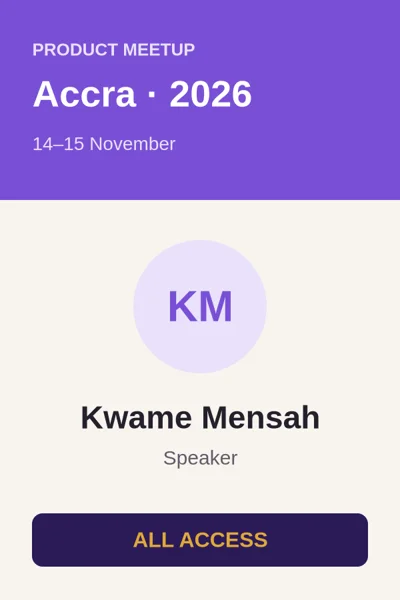
Everything a template needs, nothing it doesn't.
The tools you'd expect
Text, images, rectangles, circles, triangles, lines, polygons and arrows. Align, layer, recolour and resize, with undo and redo for every step.
Fields, not copies
Turn any text into a field with one tick. A dashed outline shows what changes; everything else stays exactly as you designed it.
Sizes for every channel
Presets for square posts, wide banners, stories and certificates, or any custom size up to 4000 pixels on a side.
Fonts that look the same everywhere
A curated set of web fonts that render identically in the editor and in every image you generate, so nothing shifts between preview and final.
Fill in from a table or a spreadsheet
Type rows, or upload Excel or CSV. Get up to 100 images per batch, download them together in one file, or email each person theirs from your Gmail.
Saves as you go
Your work saves automatically. Export the design itself as a PNG whenever you like.
AI inside the editor
Ask the canvas.
Type what you want changed, such as “make the title gold and add a date field under the name”, and the design updates in seconds, as a single step you can undo. Need a picture? Describe it and drop the drawing straight onto the canvas.
Make the title gold and add a date field under the name
Apply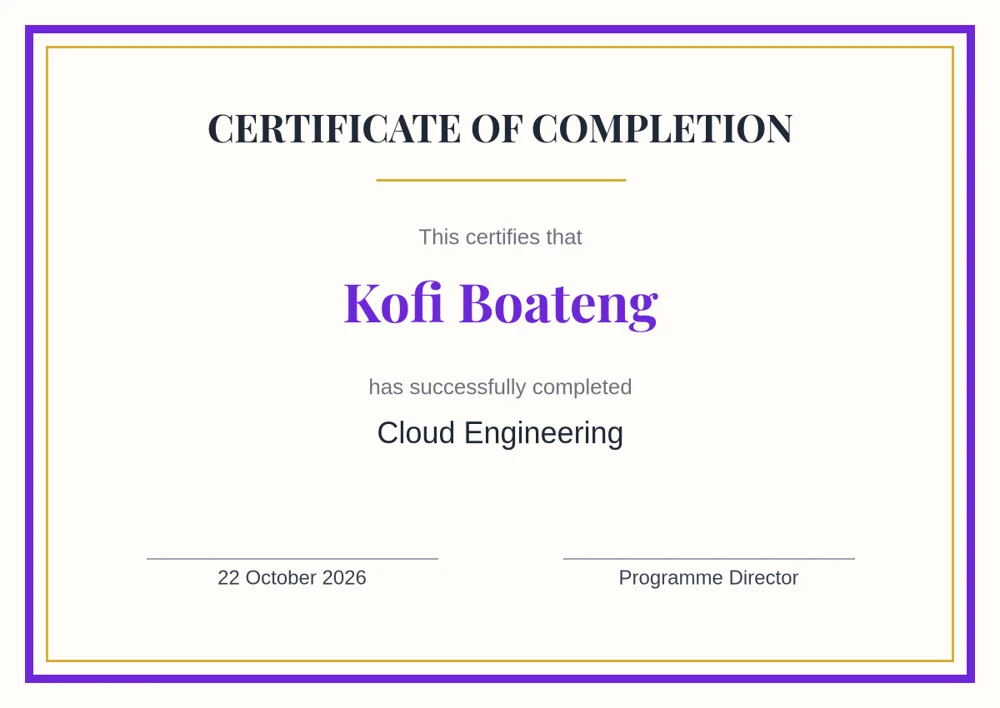
From blank canvas to a hundred images.
Step 1
Design, or describe
Start blank, or tell the AI what you need and get a first draft in your chosen size.
Step 2
Mark the fields
Tick the texts that change for each image: names, titles, dates, numbers.
Step 3
Fill in and generate
Add rows by hand or from a spreadsheet, generate, and download every image.